
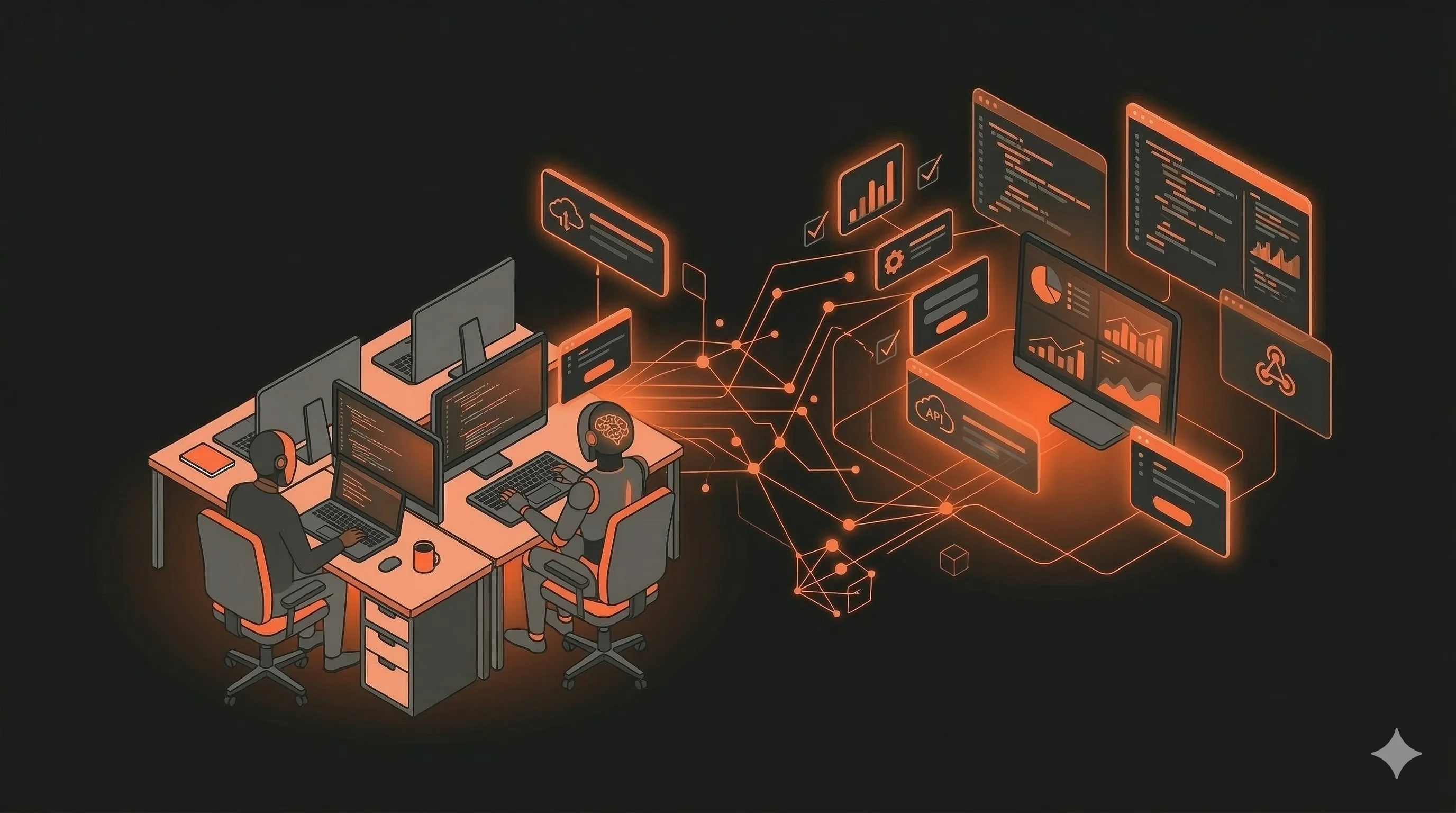
The Hidden Cost of Manual Workflows
Here's a number that should bother you: the average knowledge worker spends 60% of their time on "work about work" — status updates, data entry, document routing, copy-pasting between systems, formatting reports.
That's not productive work. That's glue work. And AI is exceptionally good at eliminating it.
AI workflow automation isn't about replacing your team. It's about letting your $80/hour specialists do $80/hour work instead of $15/hour data entry.
What Is AI Workflow Automation?
Traditional automation (RPA, Zapier, Make) follows rigid rules: "When X happens, do Y." It breaks when inputs vary, formats change, or decisions require judgment.
AI workflow automation adds intelligence to the process:
- Understanding: Read and interpret unstructured data — emails, documents, images, voice
- Decision-making: Handle exceptions, edge cases, and ambiguous situations
- Adaptation: Learn from corrections and improve over time
- Natural interaction: Users communicate with the system in plain language, not rigid forms
Think of it as Zapier with a brain. It doesn't just move data — it understands what the data means and acts on it.
5 Workflows You Should Automate First
Start with workflows that are high-volume, rule-heavy, and error-prone. These give you the fastest ROI:
1. Email Triage and Response
Before: A team member reads every incoming email, categorizes it, routes it to the right person, and drafts a response.
After: An AI agent reads each email, understands intent and urgency, auto-responds to common questions (60-70% of volume), routes complex issues with context and a suggested response, and flags urgent items for immediate attention.
Typical savings: 15-25 hours/week for a team handling 200+ emails/day.
2. Document Processing and Data Extraction
Before: Someone manually reads invoices, contracts, or applications, types data into a spreadsheet or system, and routes for approval.
After: AI reads the document (any format — PDF, scan, photo), extracts structured data with 95%+ accuracy, validates against business rules, routes for approval with confidence scores, and flags anomalies for human review.
Typical savings: 80% reduction in processing time. A process that took 15 minutes per document takes 30 seconds.
3. Report Generation
Before: Analysts pull data from multiple sources, create charts, write summaries, format the report, email it to stakeholders. Takes 2-4 hours per report.
After: An AI workflow queries databases and APIs, generates visualizations, writes narrative summaries in your company's voice, formats the report to your template, and distributes it on schedule.
Typical savings: Reports that took hours now generate in minutes. More importantly, they can run daily instead of monthly.
4. Customer Onboarding
Before: Manual steps spread across 5-10 systems — create account, verify identity, set up billing, configure preferences, send welcome emails, schedule check-in calls.
After: An AI orchestrator handles the entire flow — collecting information conversationally, populating systems via APIs, handling exceptions intelligently, and keeping the customer updated at each step.
Typical savings: Onboarding time reduced from days to hours. Zero dropped steps.
5. Competitive Intelligence
Before: Someone manually monitors competitor websites, social media, job postings, and news. Compiles a monthly report that's already outdated.
After: AI agents continuously monitor all sources, identify meaningful changes (new products, pricing changes, key hires, strategy shifts), generate real-time alerts and weekly digests with analysis.
Typical savings: From monthly stale reports to real-time competitive awareness. Hours of research time eliminated.
The Architecture: How It Works
A typical AI workflow automation system has these layers:
Trigger Layer
What starts the workflow? Options include:
- Event-driven: New email, new file uploaded, form submitted, webhook received
- Scheduled: Run every hour, daily at 9am, every Monday
- On-demand: User clicks a button or sends a message
Processing Layer
The AI "brain" that handles the work:
- Input parsing: Understanding what the input is and what needs to happen
- Task decomposition: Breaking complex tasks into steps
- Tool execution: Calling APIs, querying databases, generating documents
- Quality checks: Validating outputs against business rules
Integration Layer
Connecting to your existing tools:
- CRM: Salesforce, HubSpot — update records, create tasks, log activities
- Communication: Email (Gmail, Outlook), Slack, Teams — send notifications, create threads
- Storage: Google Drive, SharePoint, S3 — read and write files
- Custom APIs: Your internal systems, databases, and tools
Human-in-the-Loop Layer
Critical for trust and accuracy:
- Approval queues: Agent pauses for human approval on high-stakes actions
- Confidence thresholds: Auto-proceed when AI is 95%+ confident, escalate otherwise
- Feedback collection: Humans rate AI outputs, which improves the system over time
Technology Stack
What we typically use for AI workflow automation projects:
- Orchestration: Python with LangGraph or custom state machines
- LLM: Claude 3.5 Sonnet (best for complex reasoning) or GPT-4o (best for speed)
- Task queue: Celery + RabbitMQ for reliable async execution
- Database: PostgreSQL for workflow state + pgvector for semantic search
- Monitoring: Langfuse for LLM observability, Sentry for errors, custom dashboards for business metrics
- Infrastructure: Kubernetes on AWS or Hetzner Cloud
Implementation Approach
We recommend a phased rollout:
Phase 1: Shadow Mode (2 weeks)
AI processes everything but doesn't take action. Outputs are compared to what humans would have done. This validates accuracy and builds confidence.
Phase 2: Assisted Mode (2-4 weeks)
AI handles routine cases (70-80% of volume). Humans review and approve. AI handles exceptions with human oversight.
Phase 3: Autonomous Mode (ongoing)
AI handles 80-90% of cases autonomously. Humans focus on exceptions, edge cases, and high-value decisions. Continuous monitoring and improvement.
ROI Calculator
Quick math for your business case:
- Hours saved per week: (Tasks automated × time per task × volume)
- Cost saved per month: Hours saved × loaded hourly rate
- Error reduction: Fewer mistakes = fewer rework hours + fewer customer complaints
- Speed improvement: Faster processing = faster revenue recognition, better customer experience
Most AI workflow automation projects we've built achieve ROI within 2-4 months of deployment.
Getting Started
You don't need to automate everything at once. Start with one workflow that has clear volume, measurable time savings, and manageable complexity. Prove the value, then expand.
At Ingenios, we help businesses identify their highest-ROI automation opportunities and build production-ready AI workflows. Our team handles the entire process — from workflow analysis to deployment and monitoring. Book a free consultation to discuss your automation opportunities.